

Table of Contents
w
hat is Claude Code? It is Anthropic’s agentic coding tool: you describe a task in plain language, and it reads your project’s files, edits them, and runs commands to get the work done. This guide explains what that means in practice, where you can run it, what you need to start, and the settings that keep your first session safe. Equity Guy Pro is not affiliated with Anthropic, and features change quickly, so this reflects Anthropic’s documentation as of late October 2026.
What Claude Code Actually Does
A normal chat assistant gives you text to copy and paste. Claude Code works directly inside a project folder on your computer. According to Anthropic’s documentation, it can edit files, run commands, and manage a whole project from the command line. It also works with git, and through a feature called MCP it can connect to outside tools such as Google Drive, Jira, and Slack.
That power is the reason to be careful. A tool that can change files and run commands can also break things if you let it act without checking.
Where You Can Use It
Claude Code runs on several surfaces, and they all use the same underlying engine:
| Where | Best for | Notes |
|---|---|---|
| Terminal (CLI) | Full feature set, scripting, remote servers | Requires comfort with the command line |
| Desktop app | Visual review of changes, no terminal needed | A paid subscription is required. |
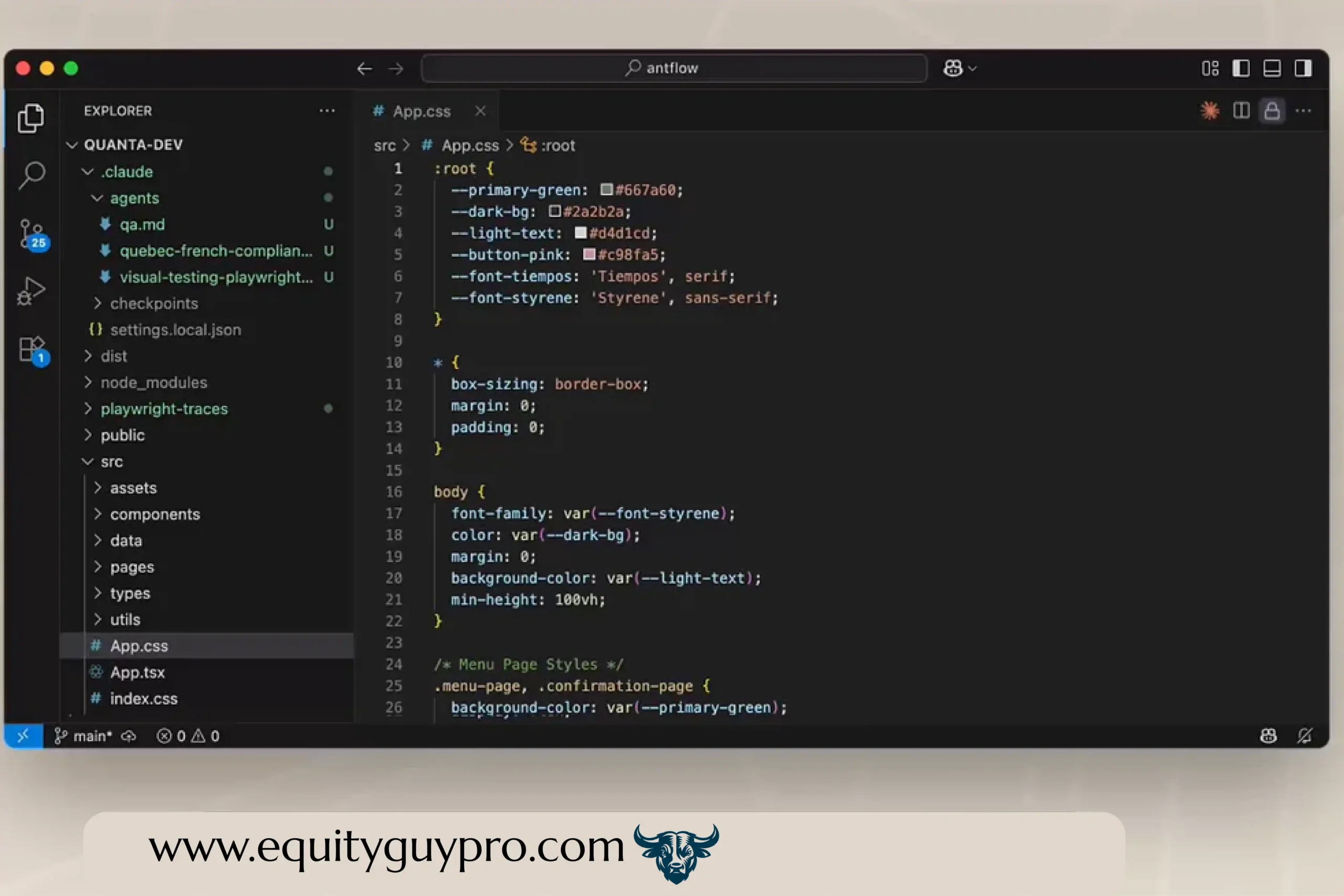
| VS Code | Working inside the editor | Shows changes side by side before you approve them |
| JetBrains | Working inside a JetBrains editor | Runs the CLI in the editor’s terminal |
| Web and mobile | Cloud sessions you can start from a browser or phone. | Sessions keep running when you disconnect |
If you have never used a terminal, the desktop app is the gentlest starting point. Anthropic also publishes a terminal guide for beginners.
What You Need to Start
- An Anthropic account. Per Anthropic’s VS Code documentation, any paid Claude subscription (Pro, Max, Team, or Enterprise) or a Claude Console account works. Plans and prices change, so check the current options before you pay.
- A computer running macOS, Windows, or Linux.
- An install method. Anthropic lists a one-line install command for each system, plus the desktop app download, on its setup page. Once installed, you start a session by typing
claudeinside a project folder. - A project to practice on. A throwaway folder is better than your real website.
How to Try It Safely
- Use a practice folder or a copy. Don’t start on a live site or on files you can’t replace.
- Back up first. If your project uses git, make a commit before you begin. Claude Code’s built-in checkpoints can undo its file edits, but they only track changes made through its file editing tools, so they won’t reverse everything a command did.
- Start in Plan mode. Plan mode tells Claude to research and propose changes without making them, and edits stay blocked until you approve the plan. Press Shift+Tab until the status bar shows plan mode, or start with
claude --permission-mode plan. - Know the permission modes. In Manual mode, Claude Code asks before file writes and commands. Recent versions may start in Auto mode, where a second model reviews actions instead of you approving each one. For your first sessions, choose Plan or Manual so nothing changes without your approval.
- Read every change before you accept it. Treat the output like work from a new assistant: useful, but your responsibility.
- Avoid bypass permissions. Anthropic’s documentation says to use that mode only inside an isolated container or virtual machine.
- Keep secrets out of the project folder, such as passwords and API keys.
If you manage a WordPress site, work on a staging copy and keep a full backup, because a single wrong edit to a theme file can take a live site down.

Who Claude Code Is For
It is built for people who write or maintain code: developers, technical founders, and site builders. Non-coders can use it through the desktop app, but you still need to review what it changes, and you will get better results if you understand your project’s basics. It is not a way to skip learning how your site or app works.
Limits and Costs to Expect
- Usage limits. Your plan limits how much you can use it, so long tasks can run into them.
- Mistakes happen. It can solve the wrong problem or change more than you intended, which is why exploring and planning first is recommended.
- Features change fast. Menus, modes, and defaults have shifted several times in 2026, so check the current documentation.

A Simple First Session
- Create a small practice project or copy an existing one.
- Open it in the desktop app, VS Code, or your terminal.
- Switch to Plan mode.
- Ask Claude Code to explain what the project does, with no changes.
- Ask for one small improvement, read the plan, and approve it only if it makes sense.
- Review the result, and rewind or restore from backup if something looks wrong.
Frequently Asked Questions
Do I need to know how to code? Not to try it, but understanding the basics helps you catch mistakes and ask better questions.
Is it free? Anthropic’s documentation says an Anthropic account with a paid subscription or a Console account is needed. Check the current plans for details.
Can I use it without a terminal? Yes. The desktop app and the VS Code extension both let you use it without typing commands in a terminal.
Can it break my project? Yes, if you give it free rein. Backups, Plan mode, and reviewing changes reduce the risk.
Read More Here: Claude Code